

Travel Experts Recommend This Packing Swap To Avoid Delays When Going Through TSA
We may receive a commission on purchases made from links.
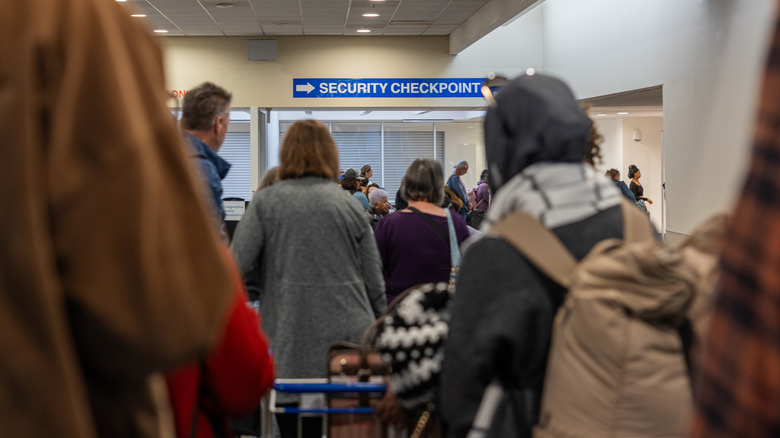
Even if you're going on a proper vacation that doesn't involve you having to work the slightest bit, there's a good chance you're still going to bring your laptop with you — and you're not alone. According to a 2022 survey by Expedia, 50% of people bring their laptop on vacation and 41%, despite being OOO, will actually join Zoom calls when they should be drinking mai tais on a beach instead. Because of this, many laptops are going through security at airports every day, and many of those laptop sleeves are causing delays, often because of one thing: zippers.
According to Caleb Harmon-Marshall, a travel expert and former TSA agent who writes the Gate Access newsletter on Substack, if you want to avoid the delay of getting flagged by TSA, put your laptop in a case that allows its contents to be properly viewed. If those contents can't be seen with the X-ray, then you'll want a bag that lets you quickly remove your laptop, and bags with zippers aren't the best choice. Not only does unzipping a bag take more time than just sliding it out of its sleeve, but zippers can easily get jammed, so you can't even open your bag at all.
Since we know you want to avoid such a situation, the easiest thing you can do is what the travel experts recommend: swap what you usually might use for a TSA-friendly laptop case. Now that we don't have to take our laptops out at certain TSA checkpoints, thanks to Computed Tomography (CT) X-ray scanners (3D scanners), we might as well enjoy this relatively new development.
Sleeves or pouches with magnetic or Velcro closures are your best bet
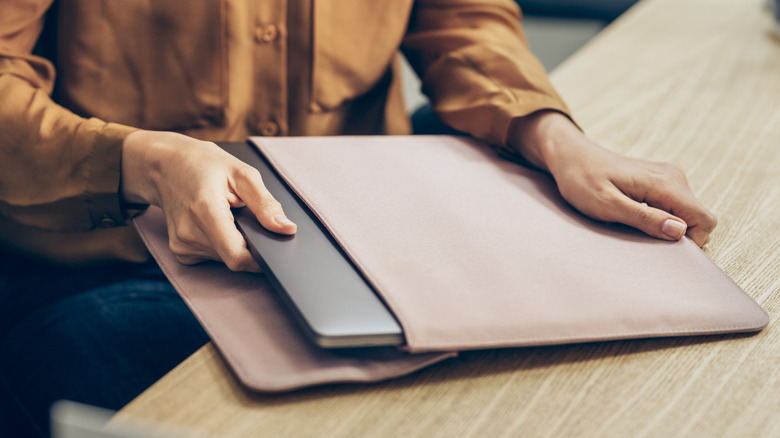
In addition to a zipper possibly getting jammed if you have to open your laptop bag, the fact that zippers are made of metal can be problematic. Metal components of all kinds can confuse the X-ray machine — hence the reason you're asked to empty your pockets of everything, especially coins — and could lead to your bag setting off a false alarm within the system. When this happens, the TSA agent has to pull you and your bag aside, going through everything piece by piece, which slows down the line, causing delays.
Because of this, if you want to keep your laptop safe while traveling, opt for checkpoint-friendly bags and laptop sleeves that are not just free of zippers, but all metal, including snaps and buckles. For example, the Cuyana Leather Laptop Sleeve features a closure where you just tuck the opening directly into the sleeve like an envelope. If you want something more budget-friendly, the JETech Slim Laptop Sleeve is equally slick-looking, but easier on the wallet and closes via magnets.
Similar to the toiletry swap to avoid confiscation by the TSA, if you let yourself consider other options for your laptop's safety, you can avoid delaying the TSA line. It's just a matter of being up to date on what the TSA is currently allowing and a willingness to try something you may not have considered in the past. After all, a powerful magnetic closure isn't just as reliable as a zipper, but it looks cooler too.